




How do I create a LinkedIn profile?
With over 50 million users in Brazil alone, LinkedIn stands out as... the world's largest professional network. According to data released by the platform, the Brazilian community is the fourth largest on the network, behind only the United States, India, and China.
LinkedIn can be an excellent tool for those seeking an internship or... first job, In addition to being useful for those who wish to grow professionally, start new businesses, or change careers.
Whatever your purpose in joining the platform, you need to pay close attention to certain details to maintain your [loyalty/security]. attractive profile. With that in mind, we've prepared a step-by-step guide to creating a LinkedIn profile. Check it out!
Creating a LinkedIn profile
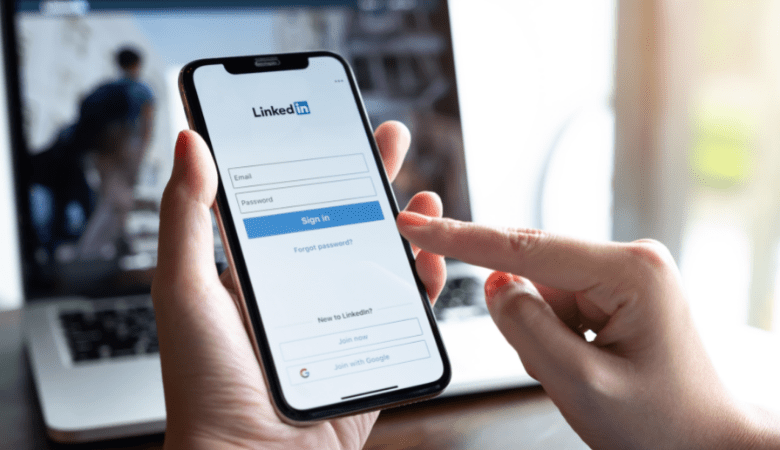
The first step to creating a LinkedIn profile is to access the LinkedIn account login page and enter your first name, last name, email address, and password.
It's important to note that, according to LinkedIn's user agreement, you must provide your real name. In addition to being prohibited by the platform's guidelines, using nicknames or pseudonyms can damage your professional image.
After entering your information, click on Register now and complete the remaining steps of your profile. Here are some tips to help you stand out.
1. Choose the appropriate photo.
Data released by LinkedIn shows that users with profile photos can receive up to 21 times more views more so than those without a photo. Therefore, while not mandatory, adding a profile picture is highly recommended.
Remember that LinkedIn is a professional platform, which requires a... more balanced stance. At this point, choose a portrait that clearly shows your face and avoid photos at parties, on the beach, or with sunglasses.
2. Insert the title strategically.
LinkedIn allows users to include a Title (up to 120 characters), The title, which will appear below your name, should contain a brief description of your professional specialty.
It's important to remember that employers find profiles on LinkedIn through the keywords in your title. So, try to think about how a recruiter would search for a... professional like you.
Here are some examples of titles:
- Production Engineering student
- Business Administrator | Market Intelligence Specialist
- Computer Engineer with a focus on Artificial Intelligence.
- Lawyer specializing in Environmental Law
- Analyst of Data Science
3. Be sincere.
After inserting your photo and title, it will be time to include your information. experience, academic background and certificates. At this point, the most important tip is: include truthful information.
It's very important to understand that LinkedIn is just the channel that can initiate contact with company recruiters. During the selection process, you will participate in interviews and group activities where you will need to demonstrate your knowledge. If recruiters realize you lied, your image will be damaged, including for future opportunities.
4. Create job alerts
It's possible Create alerts on LinkedIn. to stay updated on job offers that are posted on the platform every day.
This way, you'll receive emails and notifications whenever a job opening arises for professionals matching your profile, in your city or at the company where you've always wanted to work.
5. Build your professional image.
When creating a profile, ask yourself: What message do I want to convey? How do I connect with my contacts? From there, create posts showcasing your knowledge and skills, interact with other professionals, and share content that you identify with.
You will be able to comment on your academic work or publish articles about your field of expertise, for example.
6. Network
Did you know that a large portion of job openings are filled through referrals? After all, trust is a crucial element in establishing any partnership.
Therefore, building a network of professional contacts is very important to kickstart your career project. This practice is known as networking, And LinkedIn is the ideal platform for creating these connections.
Connect with people who share your interests, such as students, teachers, speakers, and professionals in your field.
Read more: Professional networking: why start during graduation?
7. Pay attention to notifications.
Can you imagine missing a job opportunity because you didn't see the recruiter's message?
Don't forget to keep your contact information updated to receive all messages and notifications regarding job openings. A good tip is to download the LinkedIn app on your mobile phone for easier access to all features.
Now that you know how to create a LinkedIn profile, take the opportunity to do the... Download our free guide to preparing a resume..